
 Open web. Clear feed.

Bitkey is the self-custody bitcoin wallet with an app, hardware, and recovery tools. Built by the Proto team at Block, Inc.

Why we bitcoin.
#BREAKING: Chase, Bank of America, Wells Fargo and U.S. Bank hit by nationwide outage, users report.
Why we bitcoin
Paraguay’s decision to shut down a digital bank used by nearly a third of its population has left people struggling to figure out how to pay for everything from rent and groceries to bus rides. bloomberg.com/news/articles/…

A recent hardware wallet hack has raised some questions about security. Thankfully, Bitkey works differently! I thought this was a helpful article explaining why that matters and how Bitkey helps keep your Bitcoin safe.
Recent reports describe modified Ledger devices that captured seed phrases as they were sent to the screen. Learn why Bitkey’s seedless design leaves no recovery words for this attack to capture, and how separately held keys help protect your bitcoin.
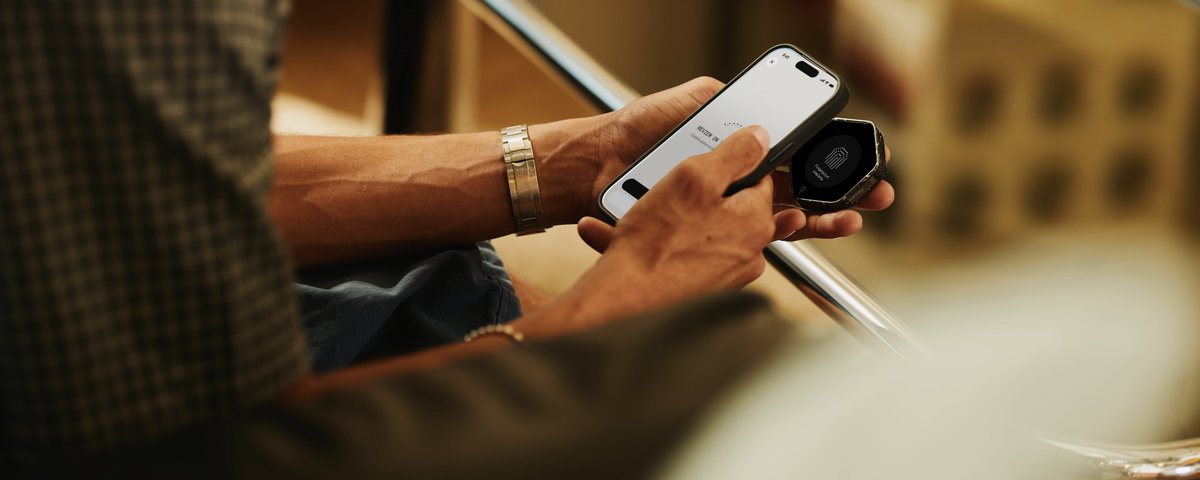
Many of our new features are inspired by and built for our customers and the bitcoin community. We appreciate your continued feedback. Your posts and comments help our team understand what matters to you as we keep improving Bitkey. To learn more about Bitkey and how it secures your bitcoin, visit bitkey.world.
Second: private transaction notes A transaction tells you how much bitcoin moved. It doesn’t always remind you why. You can now add notes to incoming and outgoing transactions, whether it’s a payment from a friend or a transfer to another wallet. Those notes are for you. Bitkey can’t see them. Notes are also preserved through recovery. If you need to recover your wallet, the context you’ve added to your transactions comes with it.

First: new security waiting period options This gives you time to recognize and cancel an unauthorized recovery or fingerprint reset. Until now, that period has been set at 7 days. Some Bitkey customers asked for more time to respond. Now, you can choose a security waiting period of 7, 14, or 30 days. The default remains 7 days. If you’d prefer a longer window to recognize something you didn’t authorize and take action, you now have that choice. A longer waiting period also means a longer wait when you initiate a recovery or fingerprint reset yourself. That’s the tradeoff – more time to respond if something’s wrong, but more time to wait when it’s really you. Choose the period that works for you.


