
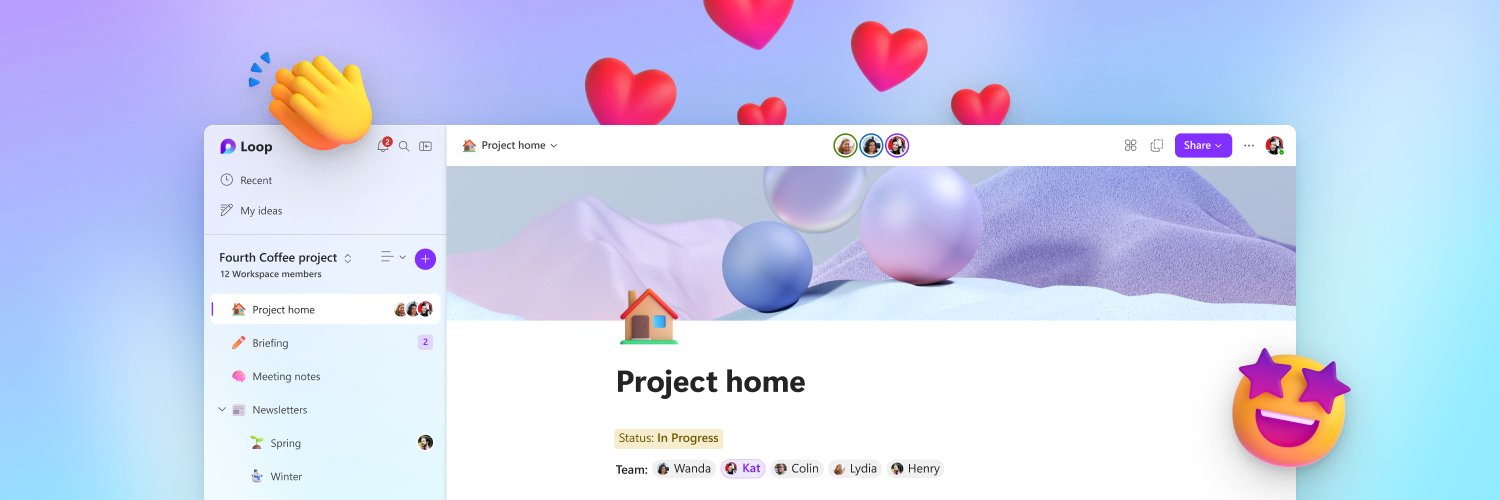
What is #MicrosoftLoop? Hello new followers 👋 In case you're wondering, here's what Loop is all about:
2:09
 Open web. Clear feed.

Think, plan and create together with #MicrosoftLoop 🚀 Try it now on iOS, Android, Microsoft app, and web ⬇️
What is #MicrosoftLoop? Hello new followers 👋 In case you're wondering, here's what Loop is all about:
⭐️ What if a file could evolve alongside your ideas? Introducing the next evolution of Microsoft Pages — a new way to bring people and AI together to turn ideas into dynamic, interactive experiences. Join our Ignite session to discover the next evolution of Microsoft Pages! 📌 Link to session: msft.it/6013x1yjX #MicrosoftIgnite #MicrosoftPages #Copilot #AI

Copilot Notebooks just leveled up 📓 Start a notebook from a prompt, hand off tasks, schedule recurring tasks, and edit Word, Excel and PowerPoint files in place. You can also create interactive reports and PDFs. Rolling out now in Frontier. Read more now: msft.it/6014aa9XQ

Go from questions to insights with Researcher in Microsoft 365 Copilot. 🔎 Bring together information, explore a topic in depth, and turn research into work you can act on, all with #Copilot. Watch now: msft.it/6017aPFAF
🎬 Got questions about the Microsoft 365 Copilot app? We've got answers. Join our live Ask Microsoft Anything (AMA) on June 30 to connect directly with the product and engineering teams. Whether you're just getting started or looking to get more out of Copilot, this is your chance to ask questions and learn from the experts. 👉 Register now: msft.it/6012vq6ky #Microsoft365Copilot #Copilot #AI #Productivity

🎨 Learn how to create branded visual content with Create in the Microsoft 365 Copilot app: msft.it/6014vocyy Create helps transform ideas into visual assets using prompts, project context, and available brand resources—making it easier to go from concept to content. In this session, you'll learn how to: ✅ Generate visual concepts from prompts ✅ Apply brand kits and brand elements when available ✅ Create social-ready assets like carousel posts ✅ Turn presentations into short videos and other shareable formats when available ✅ Refine outputs to better align with your audience, message, and brand guidance 🎬 Register for the live AMA (Ask Microsoft Anything) on June 30th: msft.it/6013vocyH
📓 Working across files, notes, Pages, and project docs? Watch our session on Copilot Notebooks and learn how to keep AI grounded in the context that matters: msft.it/6019voBxl You'll see how to: ✅ Organize project references in one workspace ✅ Use Notebook overviews to uncover themes and insights ✅ Guide responses with custom instructions ✅ Ask questions grounded in your sources ✅ Generate summaries and audio overviews ✅ Collaborate while managing sharing and permissions Perfect for project planning, research, and cross-team collaboration. ✋ Have a question? Register for the live AMA (Ask Microsoft Anything) on June 30th: msft.it/6018voBxY

🔍 Want to tackle complex research projects faster with Microsoft 365 Copilot? Join our session on Researcher in the Microsoft 365 Copilot app msft.it/6010vlURY Learn how to: ✅ Turn a research question into a focused investigation ✅ Build structured reports with cited sources ✅ Leverage web information alongside your files, emails, meetings, and chats ✅ Export insights into Word, PowerPoint, or PDF Perfect for market research, competitive analysis, strategic planning, and stakeholder prep. 🎙️ Featuring Carl Mekala & Leo Daniel Gnanamanickam ✋ Have a question? Register for the live AMA (Ask Microsoft Anything) on June 30th: msft.it/6019vlURc #Microsoft365Copilot #M365Copilot #AIatWork #Researcher #Productivity
✨ Turn Copilot responses into polished, collaborative content with Copilot Pages: msft.it/6013vlrZt In this session, you'll learn how to: 📝 Generate structured drafts from Copilot Chat ✏️ Refine, expand, and reformat content with Copilot 🎯 Adapt content for different audiences and scenarios 🤝 Collaborate in real time across Teams, Outlook, and the Microsoft 365 app Perfect for brainstorming, drafting, and turning ideas into shareable deliverables. 🎙️ Presenters: Cora Chen & Oby Omu 🎬 Part of the Microsoft 365 Copilot app learning series: msft.it/6012vlrZs #Microsoft365 #Copilot #CopilotPages #AIatWork #Productivity
Ready to work smarter with M365 Copilot? 🚀 Our upcoming learning series will explore Pages, Notebooks, and Create, with practical tips you can start using right away. Discover how to: ✨ Customize Notebooks with instructions ✨ Collaborate seamlessly on Pages ✨ Stay informed with Copilot catch-up experiences ✨ And many more! Stay tuned for session details!
👀 Just set up a few scheduling prompts in Microsoft Copilot today—and it already feels like I hired a tiny ops assistant. 😍 Daily standup reminders, follow-ups, and recurring updates now just… happen. Quietly obsessed with how much friction this removes. Watch now: msft.it/6015vgIdV #M365Copilot #Copilot
✨ Deep work starts with clarity. Researcher connects the dots across your work content — meetings, chats, emails, files, and more — to help you uncover insights faster and move work forward with confidence. A simple way to get started? Try the Daily Briefing prompt each morning to quickly catch up, prioritize what matters, and start your day with clarity. ☀️ Watch now: msft.it/6017vdfz1 #M365Copilot #Copilot #Researcher
✨ Make Copilot work your way. Save time, stay consistent, and level up your workflows: try creating and saving your own prompts in the Microsoft 365 Copilot app today. Your future self will thank you. 😉 Watch now: msft.it/6015vjUBN
😇 Coming back from OOO doesn’t have to mean digging through endless chats and meetings. In the #M365Copilot app, just ask Copilot to summarize what you missed across key conversations and meetings, then turn it into an actionable task list with owners, follow-ups, and next steps. ✅ Watch now: msft.it/6014vXL00
⭐️ Earlier this week, we shared how to get started with the M365 Copilot app for your day-to-day work, from exploring prompts to navigating the experience. In case you missed it, you can watch the full episode here: msft.it/6015vRAKH

😇 Getting started with the Microsoft 365 Copilot app? This short video walks through how to begin using Copilot in your day-to-day work—from exploring prompts to navigating the experience Watch the full episode here: msft.it/6016vuSxj For more episodes and scenarios, explore the full Copilot learning here:msft.it/6017vuSxd