Open web. Clear feed.

3D Game assets & Pixelart 3D Artist @AshGamesStudios 🔶Game assets kloworks.itch.io/ 🔶Support me patreon.com/kloworks 🇵🇸✉️klo-works@hotmail.com
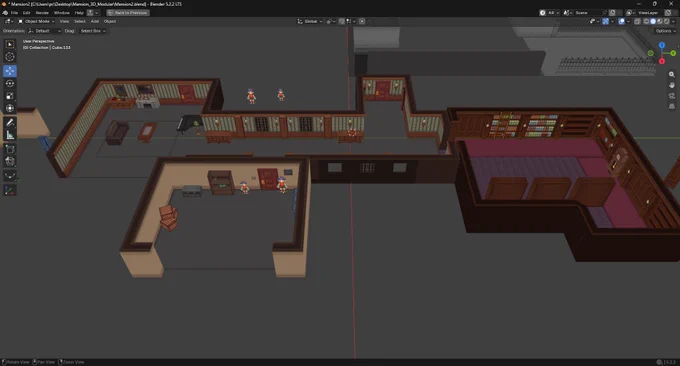
Thank you for all the likes and shares! I will soon add this one on my Patreon + how I achieved this result. Feel free to join as a free member or as supporter for my work! All tutorials I post are free, with no signup required. patreon.com/cw/kloworks

if you are interested in downloading assets or packs, you can choose $1, $2, or $3 tier. They all offer the same content. patreon.com/cw/kloworks/memb…
You can read this tutorial and others on my Patreon, all for free! patreon.com/collection/13784…
Another tip: to set up a 16×16 grid on your UV map in Blender : - Enable over Image - change Dynamic to Fixed. if your texture size is 128 divided by 16 and same with 256 and so on. - Enable snapping: Grid + Vertex. - Press G, then B to select a vertex and snap it to the grid.